Goal: a script that runs on its own (5–10 minutes)
AeoScript does not require an Entity, Actor or Cell attachment. A top-level statement in a standalone script runs when the script starts in Play mode.
Create a script
Open your project and create scripts/hello.aeo. Save the following:
debug.log("Hello from AeoScript")
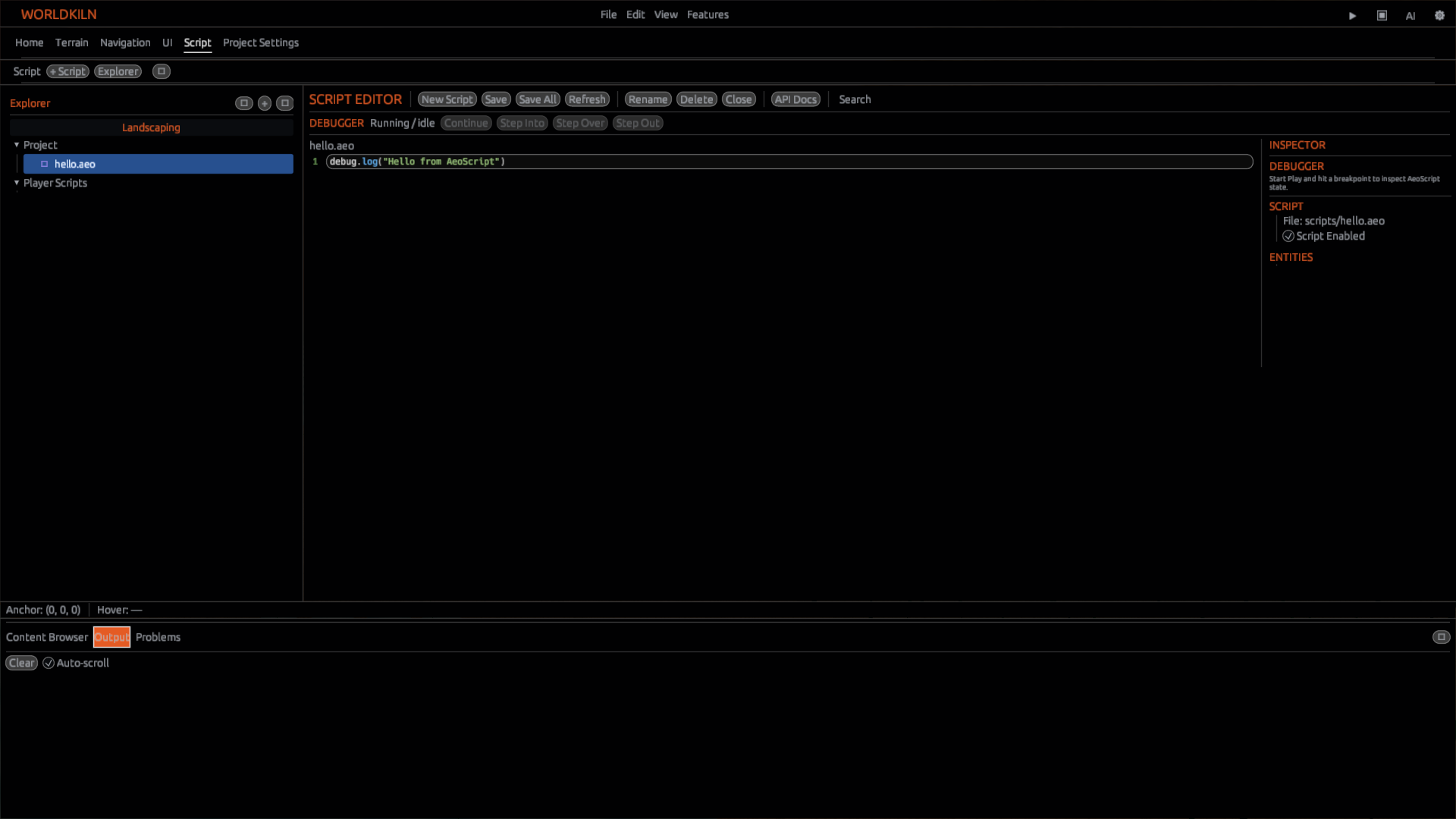
Run and check
Start Play and open Output. Look for Hello from AeoScript.
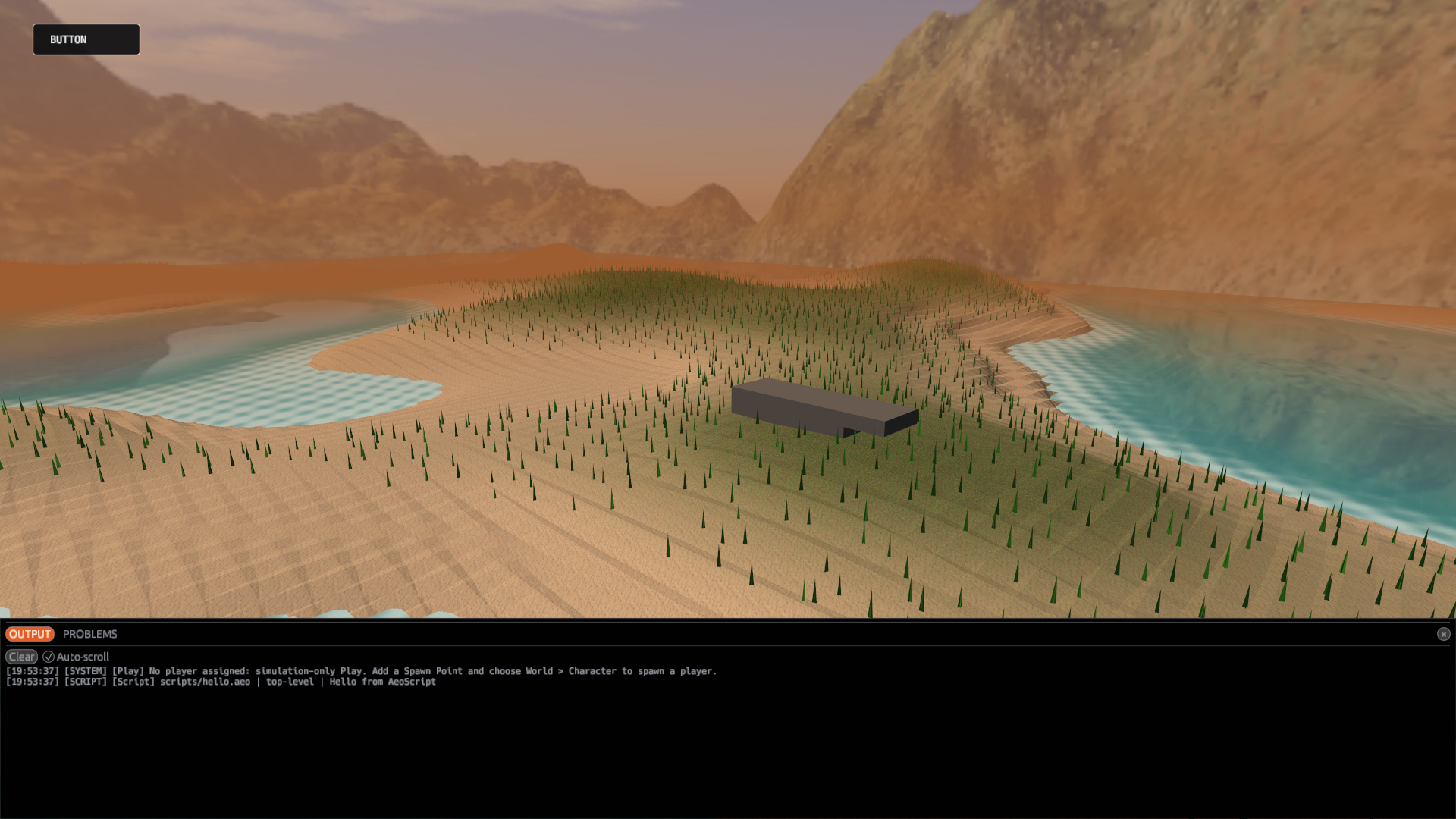 You did not need to bind the script to a floor Block or wrap the line in
on_ready(). If Output is empty, check the saved path, script enabled state and first script error. Attaching it to an object is not a troubleshooting step.
Add a function
Replace the contents with:
fn add(a, b) {
    return a + b
}
debug.log(add(10, 20))
Run again. Output should show 30. This is a standalone function called by top-level code.
When are attachments useful?
An attached Module is for behavior that intentionally belongs to an Actor or other supported object. It is optional, not a prerequisite to scripting. See Actors and Modules.
Next: Your first World or Functions.