Goal
Make a controlled edit to one Block and confirm Undo and Redo. This works with only editor-created geometry.
1. Create and select
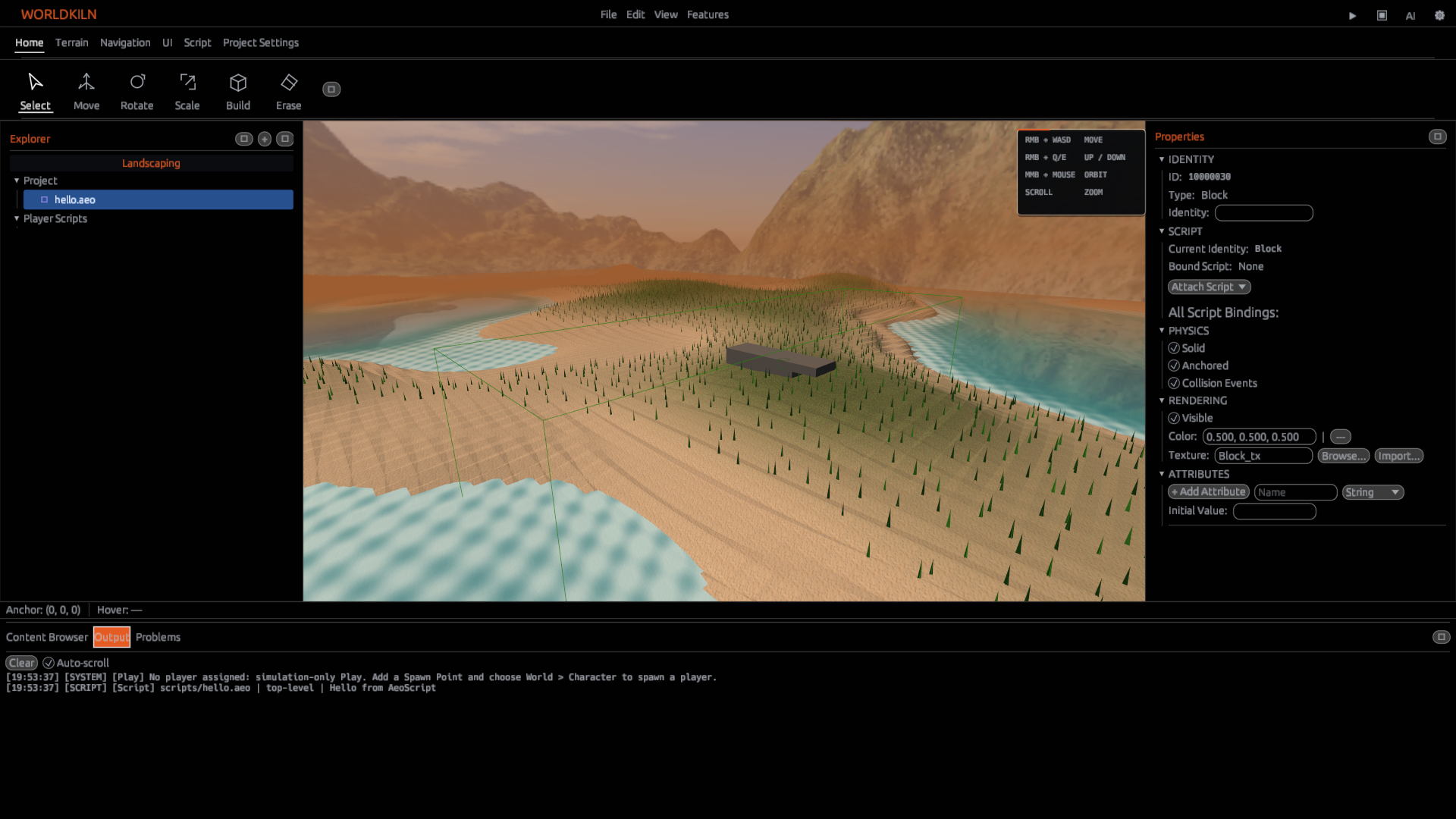
Place two adjacent solid Blocks in a new World. Select only the first one; its selection indicator and Inspector should refer to the same Block. Assign distinct names so it is easy to tell which object changed.
2. Transform deliberately
Use Move to change the selected Block's position. Compare the displayed transform values before and after. Use Rotate, then Scale, making one change at a time. Numeric Inspector inputs are often more precise than dragging; do not enter an invalid or zero scale.
3. Undo and redo
Undo the latest authoring change and verify both viewport and Inspector match. Redo and confirm the change returns. Script-editor text history and World editing history are different contexts; focus the intended editor before invoking Undo.
Screenshot 17: assets/docs/tutorials/17-edit-undo-redo.png — original, undone and redone positions.
4. Save
Save the World and reopen the project to confirm authored transforms persisted. Do not use Play-only changes to prove authoring persistence.
Checkpoint
Only the intended Block changes. Inspector values match what is visible, and Undo/Redo restore the same values.
Next: Managing assets and Hierarchy.